MCP & extensions
MCP, tools and extensions
Project-level MCP integrations through a local gateway with access controls, plus Code - OSS extension compatibility through the Open VSX registry.
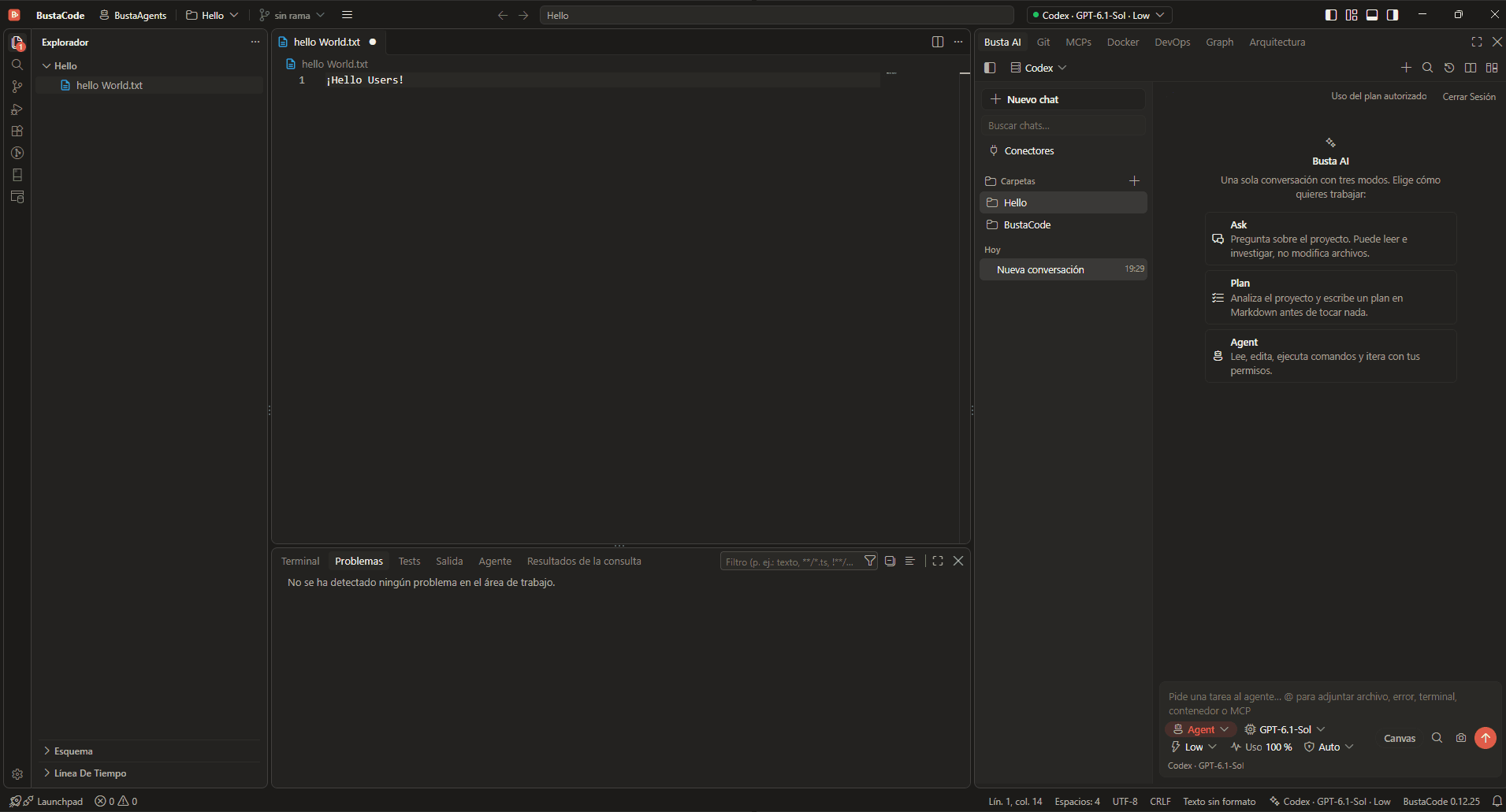
MCP through a local gateway
- MCP integrations are set up per project.
- They go through a local gateway with access controls.
- The IDE side panel has its own MCPs tab.
- In the BustaAI composer, @ can attach an MCP to a request, just like a file, an error, a terminal or a container.
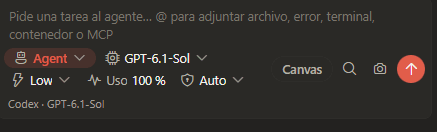
Tools and approvals
- Tool execution and permissions depend on the selected agent engine (Cursor, Codex or the OpenAI API).
- BustaAI presents approval requests and activity information where the provider supports them.
- In Agent mode, the agent reads, edits, runs commands and iterates within your permissions.
Extensions: Open VSX and VSIX
-
Open VSX gallery
BustaCode keeps Code - OSS extension compatibility, and its extension gallery is the Open VSX registry.
-
Manual VSIX installs
Supported extensions can also be installed manually from VSIX files.
BustaCode does not use Microsoft’s Visual Studio Marketplace, so some proprietary, Microsoft-only extensions may be unavailable.
Frequently asked questions
Can I install VS Code extensions?
BustaCode uses Open VSX and can install supported VSIX files. It does not use the Microsoft Visual Studio Marketplace, so proprietary Microsoft-only extensions may be unavailable.
How are MCP integrations scoped?
They are project-level integrations that go through a local gateway with access controls.
Related features
All features- BustaAI Unified chat with Ask, Plan and Agent modes for Cursor, Codex and the OpenAI API, plus project memory and parallel conversations.
- Docker, DevOps & SSH Containers and logs, plus Linux hosts over SSH: CPU, memory, services and network ports.
- Busta Graph & Architecture Code relationships, dependencies, API routes, models, DAOs and tables, plus architecture diagrams made with Archify.
Get started
Try it in BustaCode
Free to download for Windows x64. Provider accounts, API keys, subscriptions and usage limits are separate.
v0.12.27 · Windows x64 · 188 MB installer · Changelog
- 1
Download the latest Windows installer.
- 2
Install BustaCode and open a project.
- 3
Open BustaAI, connect a supported provider and switch between BustaCode and BustaAgents.