Graph & Architecture
Busta Graph and architecture diagrams
Explore code relationships, dependencies, API routes, data models, DAOs and database tables, and view architecture diagrams created with agent assistance and Archify.
What Busta Graph maps
Busta Graph lets you explore how the pieces of a project relate:
- Code relationships
- Dependencies
- API routes
- Data models
- DAOs
- Database tables
Architecture view
View project architecture diagrams created with agent assistance and Archify, from the Architecture tab next to Graph.
Where to find them
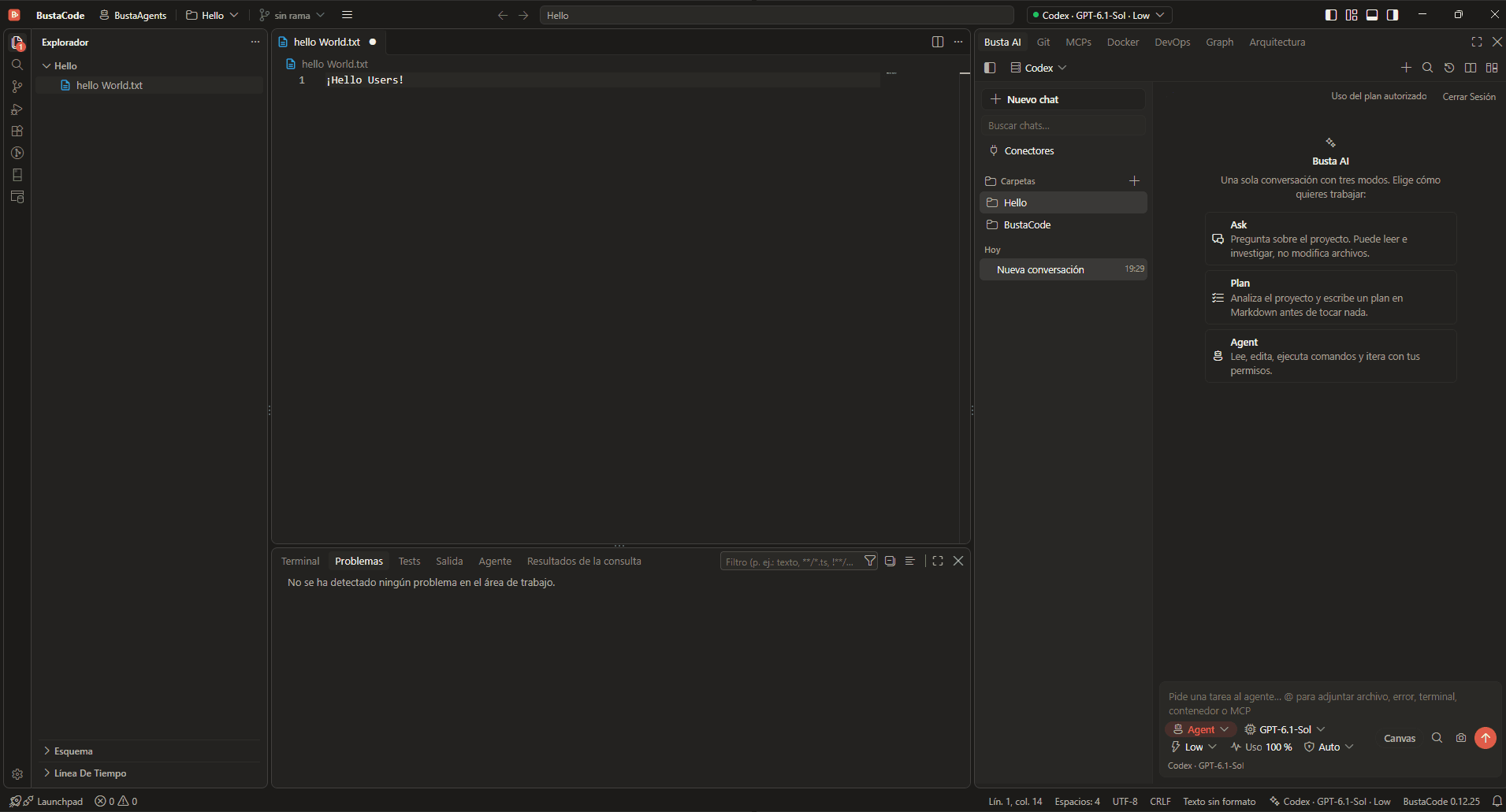
- Both live as tabs in the IDE side panel: Graph and Architecture, next to BustaAI, Git, MCPs, Docker and DevOps.
- They share the window with the editor and BustaAI, so you don’t need a separate tool to look at the structure of the project you are working on.

Good to know
Graph is a custom BustaCode interface. The project’s accessibility statement notes custom views may have accessibility issues even where upstream editor features are accessible, and invites reports with an “[Accessibility]” prefix.
Related features
All features- Docker, DevOps & SSH Containers and logs, plus Linux hosts over SSH: CPU, memory, services and network ports.
- BustaAI Unified chat with Ask, Plan and Agent modes for Cursor, Codex and the OpenAI API, plus project memory and parallel conversations.
- MCP, tools & extensions Project-level MCP through a local gateway with access controls, tool approvals, and Open VSX / VSIX extensions.
Get started
Try it in BustaCode
Free to download for Windows x64. Provider accounts, API keys, subscriptions and usage limits are separate.
v0.12.27 · Windows x64 · 188 MB installer · Changelog
- 1
Download the latest Windows installer.
- 2
Install BustaCode and open a project.
- 3
Open BustaAI, connect a supported provider and switch between BustaCode and BustaAgents.